In today’s digitally connected world, accessibility is not a “nice to have,” but a legal and moral imperative. The Web Content Accessibility Guidelines (WCAG) offer a set of guidelines to assist in making your website accessible and inclusive for all users, including those with disabilities.
In our earlier blogs, we learned how accessibility laws across the countries comply with the WCAG and how it helps in selecting the correct WCAG level (A, AA, or AAA) for your website.
But how do we handle situations where new versions are released, which might have new features to comply with?
If we have a website that has already been developed according to WCAG 2.0, it is essential to understand how WCAG 2.1 and 2.2 have updated their features compared to their earlier version.
Accessibility core principles and conformance level
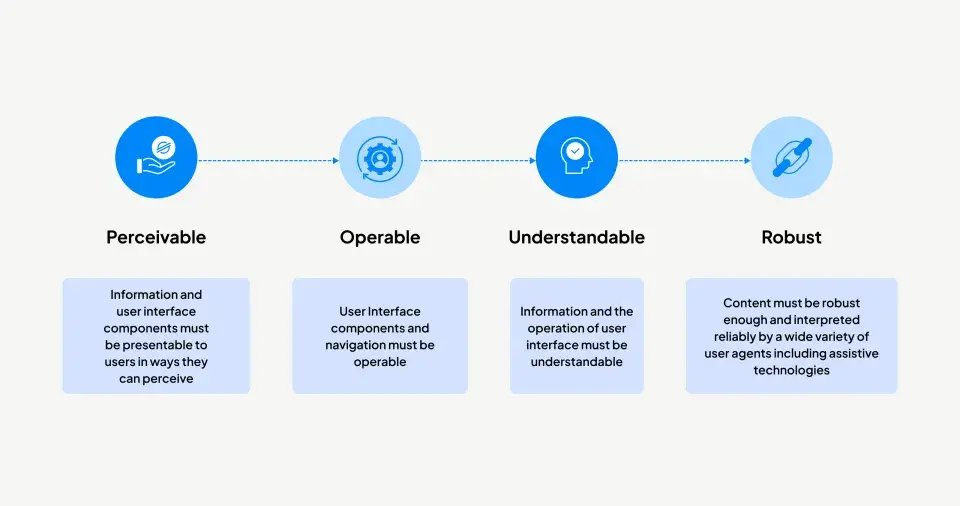
Accessibility principles ensure content is perceivable, operable, understandable, and robust so all users can access and use it.
WCAG defines three levels: Level A (basic requirements that remove major barriers), Level AA (standard level with better usability, like good contrast and readable text), and Level AAA (highest level with advanced accessibility features, though not always practical for all content).
WCAG 2.0: the foundation of web accessibility (2008)
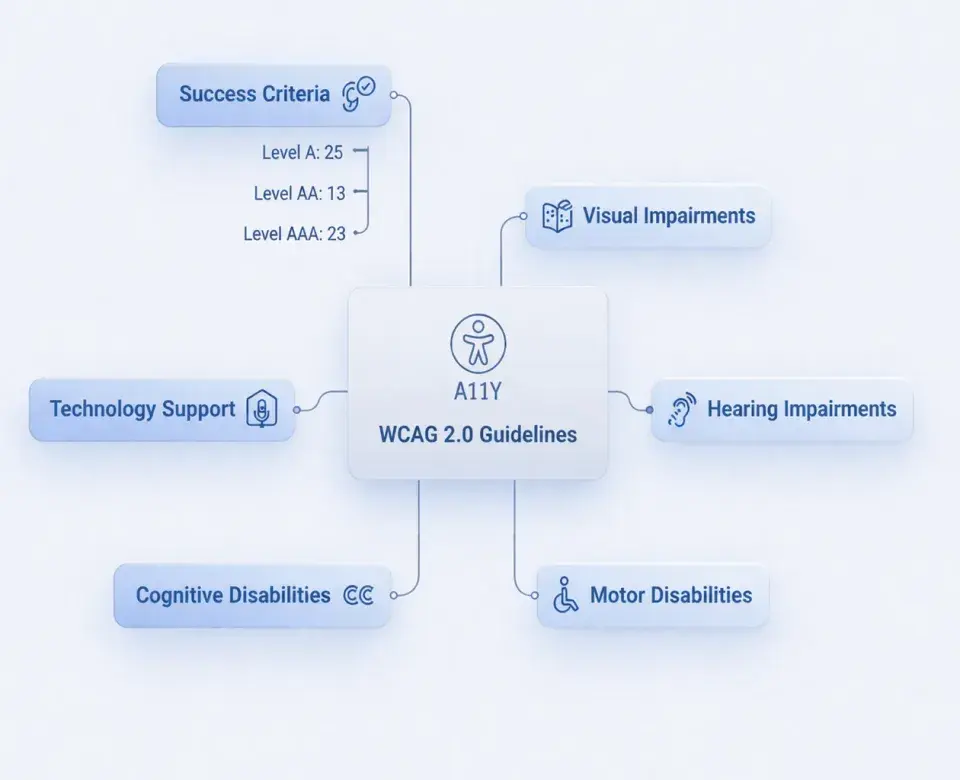
WCAG 2.0 acts as the base with 61 success criteria covering technology support, cognitive, motor skill, hearing, and visual disabilities. It ensures the content is accessible in various ways, navigation is possible with different input devices, the information is understandable, and the website works with different browsers.
WCAG 2.1: accessibility for mobile and low vision (2018)
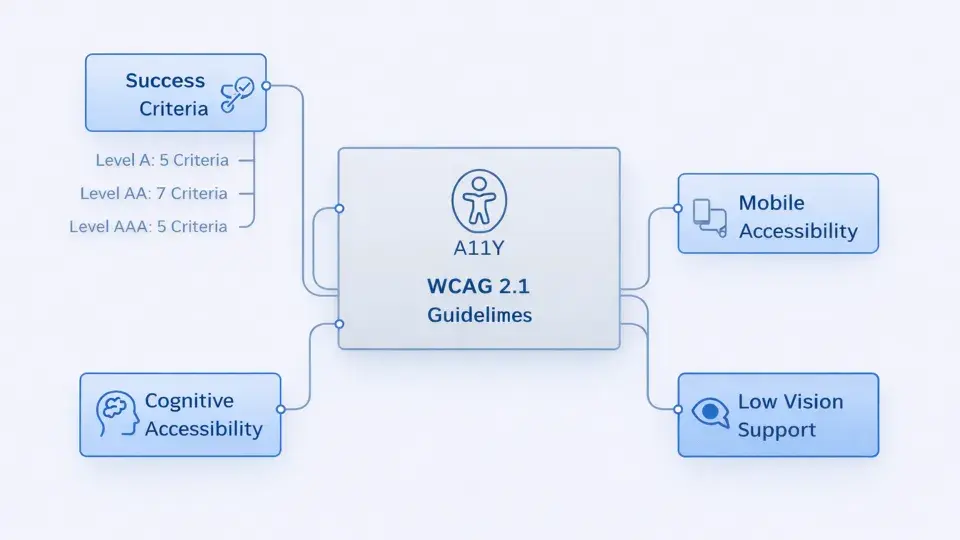
Smartphones and tablets have transformed the way users interact with the internet, especially with the introduction of WCAG 2.1, which is an extension of WCAG 2.0, with 17 new success criteria that focus on mobile devices, low vision, and cognition. It ensures that using a website is touch-friendly, content is legible even if it is zoomed, and it is simple to use.
WCAG 2.2: latest update (2023)
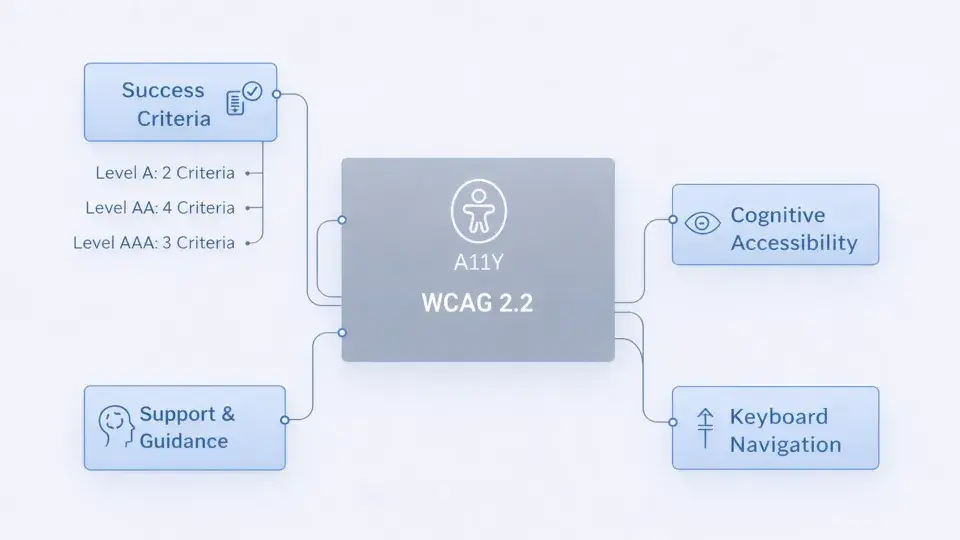
WCAG 2.2, published in October 2023, introduces 9 new success criteria for enhanced cognitive accessibility, keyboard operation, and user support. It has been improved for easier task completion, with all functionality being easily accessible with the keyboard and help functionality being easy to find.
Comparison between WCAG 2.0, 2.1, and 2.2 (examples)
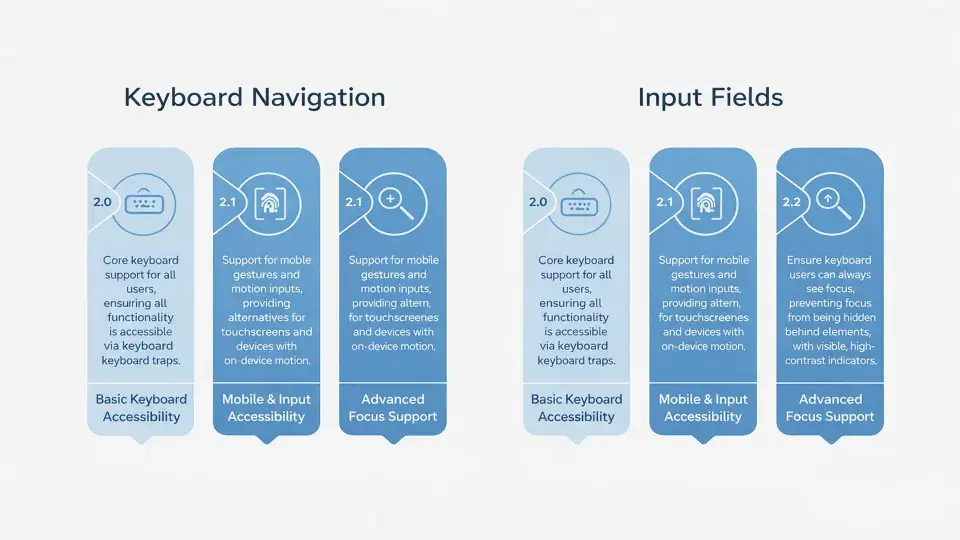
Legal compliances
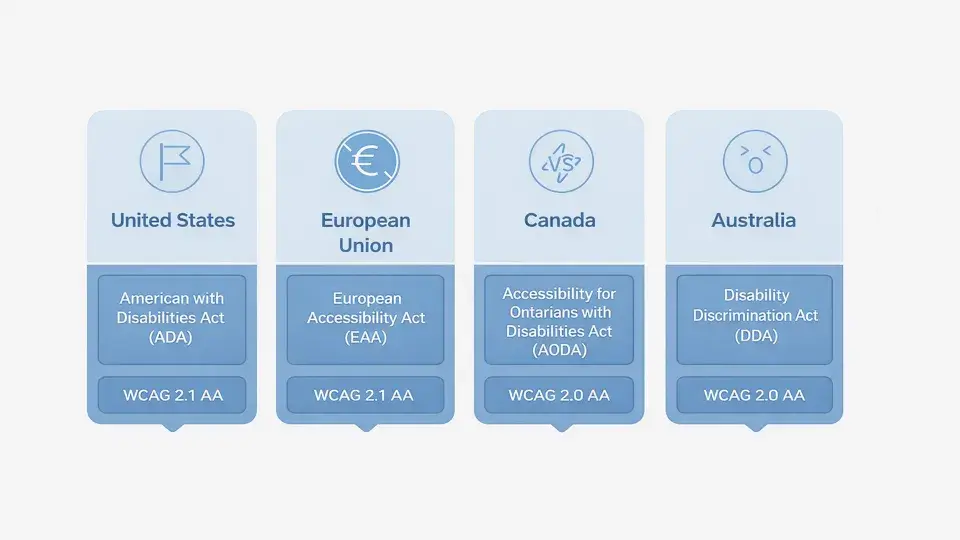
Accessibility compliance ensures that digital content is compliant with existing laws and regulations that protect the rights of people living with disabilities, which are mostly aligned with WCAG guidelines at varying levels. Most compliance is aligned with WCAG 2.1 AA, but now many organizations are moving towards WCAG 2.2 AA as a best practice.
Why upgrade? the benefits are clear
Making your website more accessible is a good idea for many reasons. It means your website will be accessible to more people, it will help you comply with the law, it will improve the overall usability of your website, and it will help create a more inclusive design.
How much effort does it take to upgrade from WCAG 2.0 to 2.1 or 2.2?
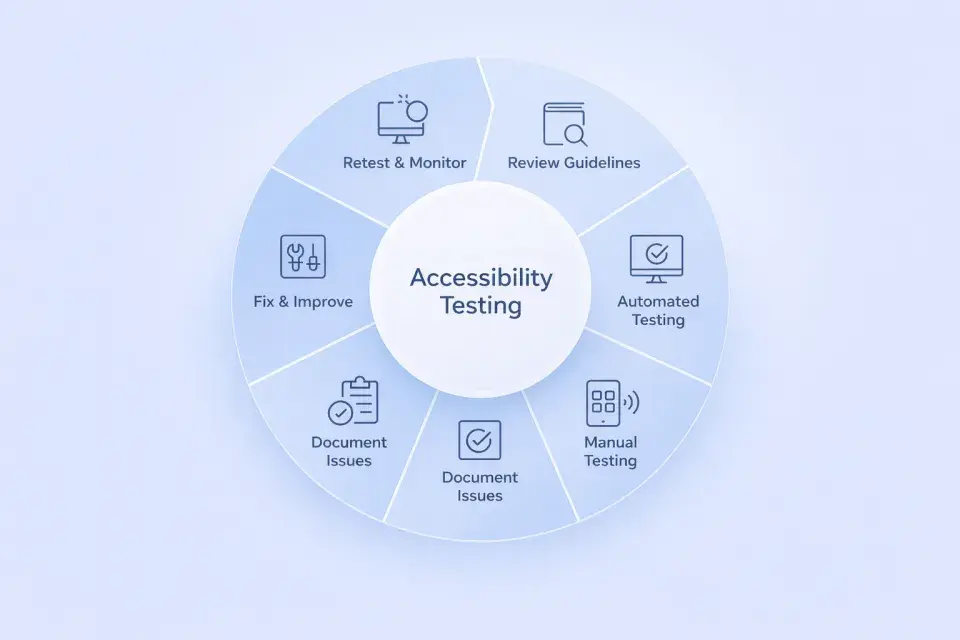
If your site meets WCAG 2.0 Level AA, upgrading to 2.1 or 2.2 is easier than starting over, but it still takes planning and time. Here’s what to expect:
Step 1: Understand the new guidelines
Start by reviewing the detailed new guidelines in WCAG 2.1 and 2.2 to understand how they apply to your site.
Step 2: Run automated accessibility tests (medium effort)
Use tools like Pa11y, Axe, or Lighthouse (set to WCAG 2.1/2.2) to spot common issues, but remember they catch only 30–50% of actual problems.
Step 3: Start manual testing (this is where the main effort begins)
- Mobile-friendly design: Ensure buttons and links are large enough, and gestures work easily with one finger.
- Cognitive-friendly interfaces: Ensure forms, instructions, and time limits are clear, avoiding complex language or confusing layouts.
- Zoom and visibility: Zoom to 400% to ensure content stays accessible, and check contrast on icons, buttons, and inputs for visibility.
- Keyboard use: Navigate the site with just a keyboard, ensuring all elements are accessible and focus moves logically.
- Assistive Technology: Ensure your website is compatible with assistive devices such as screen readers, voice control, etc. This is to ensure that all users can use your website effectively.
Step 4: Document what’s missing
Group issues by the WCAG 2.1 or 2.2 guideline that they violate to prioritise and fix them efficiently
Step 5: Fix and improve (this part varies a lot)
- Development fixes: Some fixes, like tweaking the CSS for button sizes, may be easy and take a short time. However, other fixes, like implementing custom gestures and handling complex forms, may take a while.
- Design updates: Design teams may need to adjust components, colours, and layouts to enhance mobile usability and visual accessibility.
- QA & retesting: Once the fixes have been implemented, thorough testing should be carried out, including the use of automated tools and manual testing, to ensure that the fixes have worked and there are no new issues created in the process.
- Tooling: Accessibility tools should be integrated or updated within the development process, as well as within the QA process, including integration with CI/CD pipelines.
Factors that influence your upgrade effort
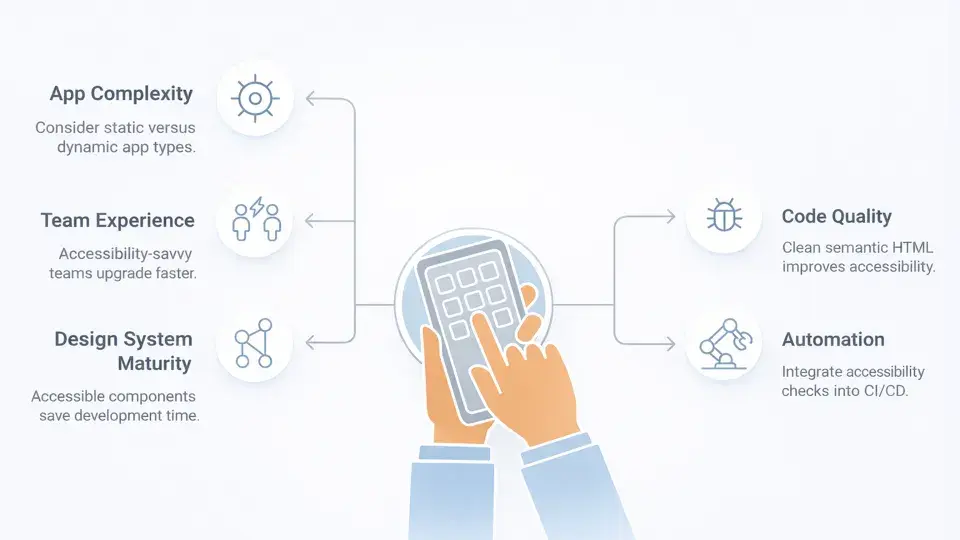
The effort needed to upgrade to WCAG 2.1 or 2.2 isn’t just about the guidelines. It also depends on how your application is built and how your team works. Here are some factors that can greatly affect the workload:
- App complexity: Upgrading a dynamic website is more complex than a static one. This is because of the complex interactions in a dynamic website.
- Code quality: Good, clean HTML and CSS semantics help with upgrades. Bad code may need fundamental changes before new guidelines can be applied.
- Team experience: Teams familiar with accessibility, ARIA, keyboard navigation, and contrast can upgrade faster, while inexperienced teams need more time to learn and implement.
- Testing automation: Adding automated accessibility tests to your CI/CD catches issues early and prevents regressions, speeding up the process.
- Design system maturity: Applications with more mature and accessible design systems can upgrade the entire application by updating a few key components.
A strong foundation makes upgrades easier, while disorganised code, little accessibility knowledge, or no testing framework will require more time to fix.
Conclusion: accessibility as an ongoing journey
The shift from WCAG 2.0 to 2.1 and now 2.2 shows that accessibility is not a one-time task. It’s an ongoing effort. This effort changes as technology advances and as we learn more about how people use digital content.
The best approach is to combine smart tools with human judgment. Use automated checkers to catch common issues. And support them with thorough manual testing. Most importantly, create a culture where accessibility is part of your team’s mindset and daily work.
Ultimately, accessibility is more than just meeting compliance rules. It’s about building digital experiences that are inclusive, easy to use, and empowering for everyone.